
“My air fryer temp probe won’t charge anymore. Has anyone else had this issue and how did you fix it?” —-User on Reddit
One of the user reviews indicates that his wireless meat thermometer had charging issues, a frustrating problem for anyone relying on it for precision cooking.
The great news is that troubleshooting and fixing the problem can be done in a few easy steps. In this tutorial, we will guide you to the reasons your Typhur wireless probe is not charging and we will tell you the best ways to get it back to work.

Common Reasons Typhur Wireless Probe Is Not Charging
Several root causes trigger charging failure. Some relate to debris, some to power issues, and others to weak network coordination. Below are some of the most typical reasons why the Typhur wireless probe is not charging:
- The base is not receiving power
- Faulty charging cable or adapter
- Defective charging cable or adapter
- The probe is not seated properly in the charging base
- Interrupted or unstable WiFi connection
Troubleshooting Typhur Wireless Probes Not Charging
If your Typhur wireless probe is not charging, follow these troubleshooting steps to identify and fix the issue.
1. When the Base Is Not Charging
- Check the Base’s Power Supply: If your Typhur wireless probe isn’t charging, first of all, power up the base. If the base is completely dead, plug it in and let it charge for 10 minutes. Also, make sure the power outlet is working and the base is properly connected.
- Check the Battery Icon: After charging for 10 minutes, turn the base on and check the battery icon. If the lightning symbol appears, it means the base is now charging properly.
- No Charging Indication: If there is no indication of charging, and the base has power, the issue may be with the charging cable or adapter. With time, charging cables and adapters can get worn off or become damaged, which can in turn affect the charging process. You can try replacing them to see if this fixes the issue.
2. When the Base Is Charging But the Probe Is Not Charging

- Clean the Probe and Charging Base: Dirt or debris on the probe or charging base can prevent the probe from making a proper connection. Clean both components thoroughly with a soft cloth to ensure they’re free of any buildup.
- Ensure Proper Probe Insertion: If the probe is not inserted correctly into the charging base, it won’t charge properly. Check that the probe is seated securely in the base and that the metal contacts are fully aligned. If the probe isn’t inserted all the way, it won’t make proper contact with the base, preventing it from charging.
- Reset Your WiFi Connection: If the problem doesn’t get solved, then it might be due to your WiFi connection. Unplug your WiFi router for about 1 minute, then plug it back in. This can clear any connectivity issues between the probe and the base, so the probe can start charging again.
What to Do if the Probe Still Does Not Charge
If you’ve tried all the steps above and the problem persists, there could be a more serious issue. Here’s what to do:
1. Inspect for Physical Damage
Before reaching out to support, check the probe and charging base for any visible signs of physical damage. Search for cracks, parts that are broken, or wires that are exposed. If you see any major damage either to the probe or base, it might be time for a replacement. Physical damage is often a reason the device may not charge properly, and the warranty may cover a replacement if necessary.
2. Contact Customer Support
If none of the troubleshooting steps work, don’t hesitate to contact Typhur support. The support team can assist you with further troubleshooting and provide a replacement unit if needed. We’re always here to help ensure that your probe works at its best.
Key Takeaways
A Typhur wireless probe not charging can be frustrating, but most issues can be resolved with simple troubleshooting. Start by checking the power supply, cleaning the probe and charging base, and ensuring the probe is properly inserted. If the issue persists, reset your WiFi connection, check for physical damage, or contact customer support for a resolution. Once fixed, you’ll be back to cooking with precision, knowing your probe will charge and perform reliably every time.
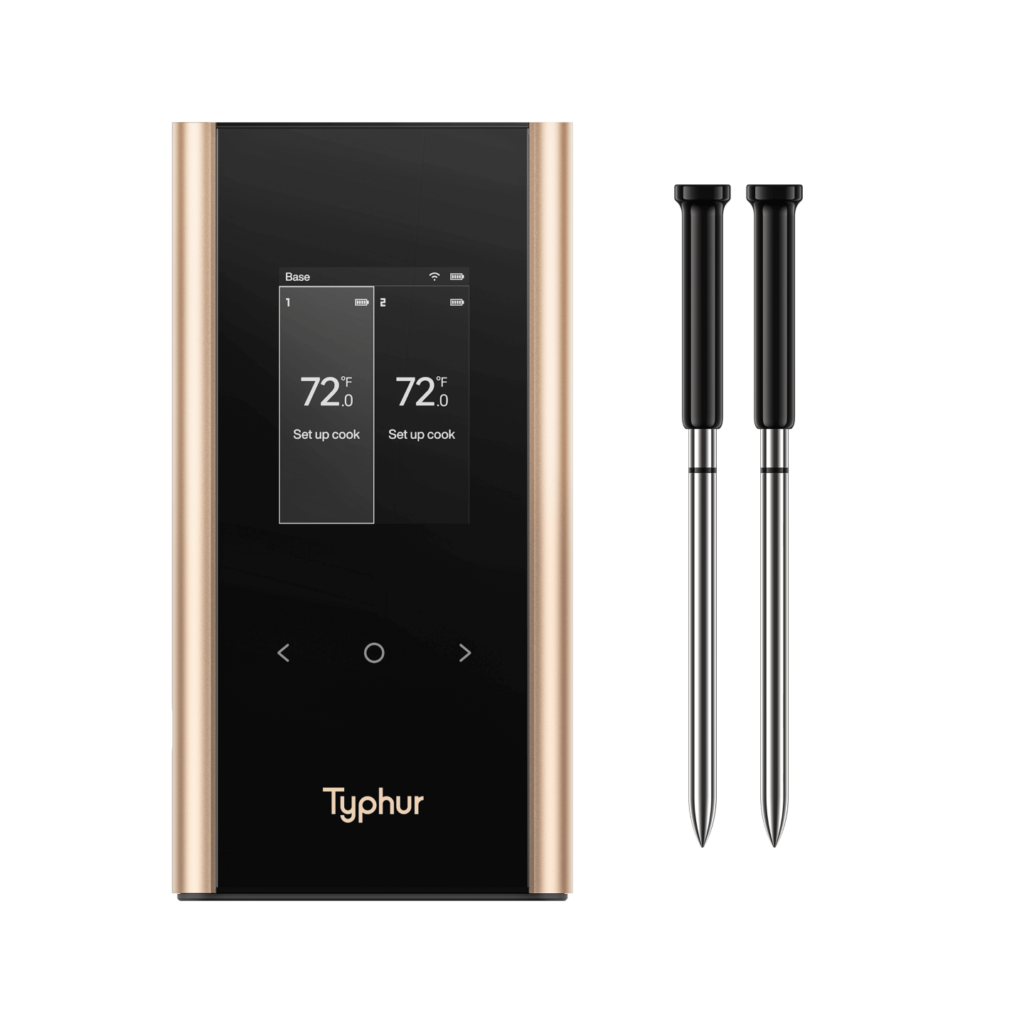
Long Range Wireless Meat Thermometer